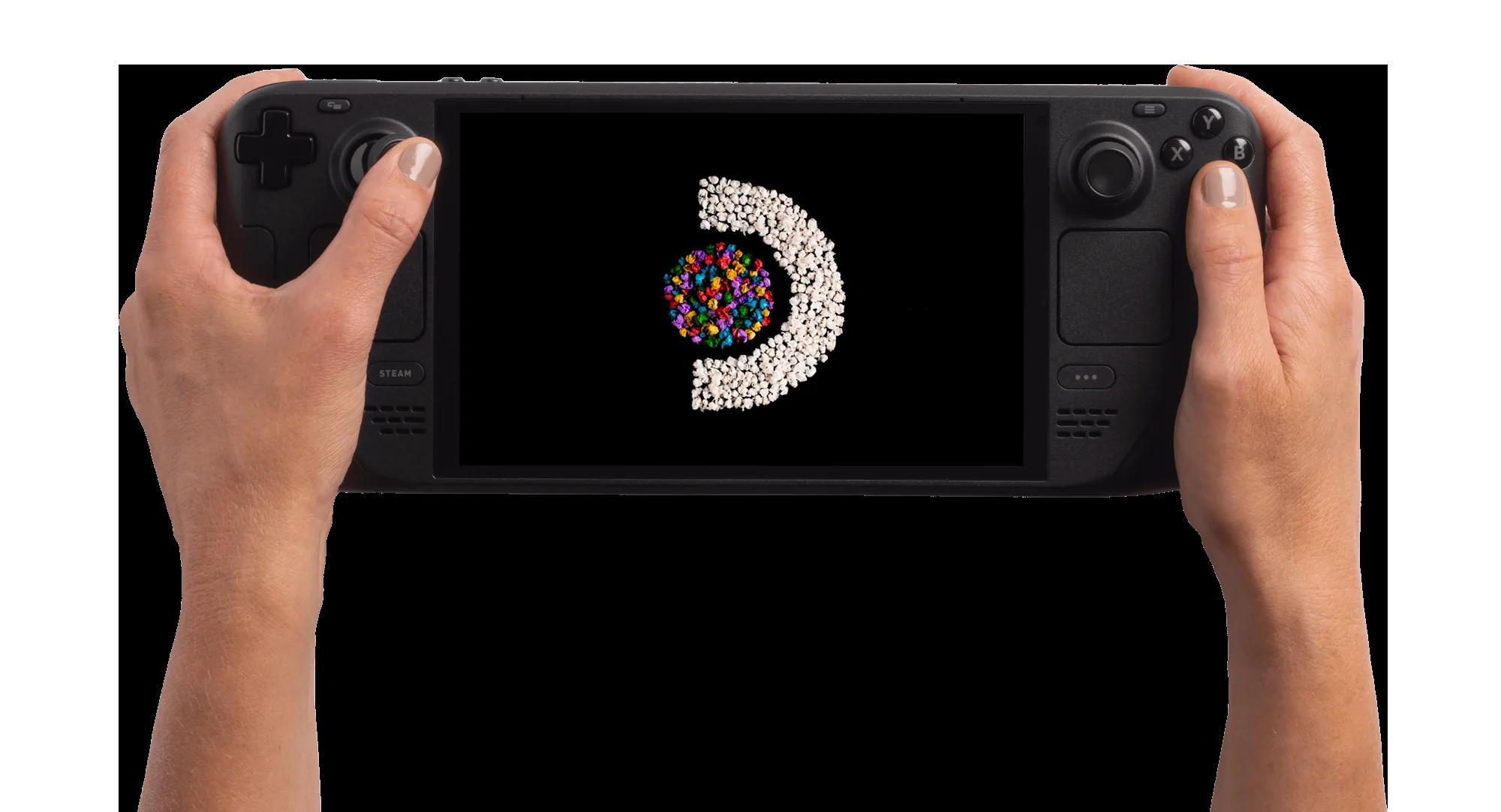
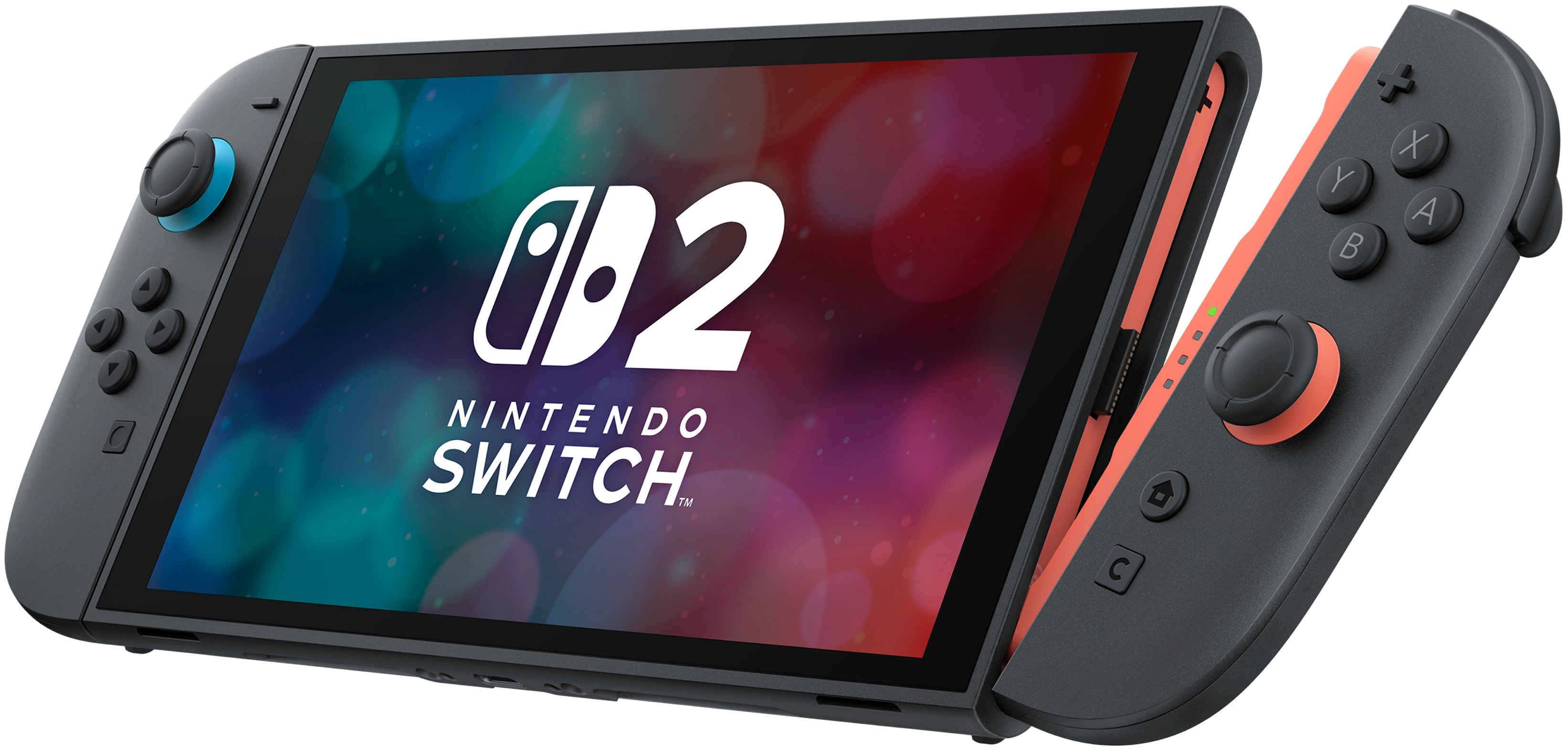
ROG Xbox Ally X vs Steam Deck OLED — Windows Handheld Meets the SteamOS Standard
Microsoft and ASUS's first co-branded handheld goes up against Valve's polished OLED. A research-led comparison on performance, software, battery, and which one fits which buyer.
Watch the full video on YouTube
The ROG Xbox Ally X is the first major Xbox-branded handheld — ASUS hardware in an Xbox-flavoured Windows shell — and it's launched into a category Valve has shaped for years with the Steam Deck. This is a direct comparison of the high-end ROG Xbox Ally X against the Steam Deck OLED, focused on the trade-offs that actually decide which one is right for you.
Important: this is the **ROG Xbox Ally X** specifically — the higher-spec, Xbox co-branded model. Don't confuse it with the standard ROG Xbox Ally, the original ROG Ally, or the ROG Ally X (the previous-generation non-Xbox model). All four are different machines.
This comparison is built on published manufacturer specs, reviewer coverage from the major handheld outlets, and the consensus picture from the technical-analysis community.
Verdict Upfront
- **The ROG Xbox Ally X** is the more powerful machine in raw GPU/CPU terms, has direct access to Game Pass and the full Windows game library, and benefits from the Xbox-style full-screen experience layered on Windows 11. It's the right pick for Game Pass subscribers and anyone whose library lives on launchers other than Steam. - **The Steam Deck OLED** is more polished, has a meaningfully better battery story, and the OLED panel is genuinely superior for handheld viewing. SteamOS still feels much more "built for this form factor" than Windows on a handheld does. It's the right pick for Steam-first buyers who value polish over raw horsepower.
If you have to pick a single winner: it's the device that matches your library. Game Pass and launcher diversity → ROG Xbox Ally X. Steam-first and software polish → Steam Deck OLED.
Design and Ergonomics
The ROG Xbox Ally X is the larger and heavier device. Reviewer coverage broadly notes its Xbox-controller-inspired grips as a real ergonomic improvement over the original ROG Ally — closer to holding an Xbox pad than holding a tablet — though the extra mass is noticeable on longer sessions.
The Steam Deck OLED is wider but more comfortably balanced in the hand for most reviewers, with the now-iconic trackpad placement that no other handheld in the category matches. The grips have been refined twice since launch, and the OLED's chassis is slightly lighter than the original LCD model it replaced.
For pure long-session comfort, the Deck remains the easier device to live with. For controller-like ergonomics with classic-pad button placement, the ROG Xbox Ally X is closer to a native Xbox feel.
Display
Both ship with a 7-inch handheld-class panel — but they're meaningfully different.
The Steam Deck OLED has the better panel by every reviewer comparison: HDR support (in compatible titles), perfect blacks, fast response, and the contrast advantage that OLED brings everywhere. It's the standout reason to pick the Deck on display alone.
The ROG Xbox Ally X uses an LCD panel, refresh-rate-flexible and bright, with FreeSync support. It's a good LCD — but it's an LCD. In the dark-scene-heavy games where OLED really shines, the Deck pulls clearly ahead.
Performance and Benchmarks
This is where the ROG Xbox Ally X most clearly differentiates itself. Reviewer benchmark coverage broadly places it ahead of the Steam Deck OLED in raw frame rates across most demanding titles, particularly at higher TDP settings where the Z2 Extreme-class silicon stretches its legs. The gap varies by title — narrower in CPU-bound and well-optimised Steam Deck Verified titles, wider in newer AAA releases that benefit from the extra GPU horsepower.
That said: there's no free lunch. The extra performance comes with higher power draw and more aggressive thermal behaviour, which feeds directly into the battery comparison below.
The Steam Deck OLED's APU is a generation behind in raw compute. SteamOS compensates with aggressive per-title power management and the Proton compatibility layer's continued maturity, but if your library is full of recent, demanding releases at high settings, the ROG Xbox Ally X will hit higher frame rates more often.
In our own hands-on testing across three demanding modern AAA titles (Black Myth Wukong, Monster Hunter Wilds, Nioh 3 — covered in our companion YouTube video), the pattern was consistent: the Ally held smoother, more stable framerates on the same scenes than the Deck did, and in several cases let us run a notch higher on graphical preset for the same playable feel. The Deck remained technically playable in most of these titles, but the visual compromises required to keep it there were noticeable in side-by-side comparison — softer textures, more aggressive setting reductions, and frame drops during heavy scripted moments. A few caveats worth flagging for any handheld at this tier: in-game frame generation on Nioh-class fast-action titles introduced instability on the Ally during our sessions and is best left off; and Black Myth Wukong on the Deck didn't always launch cleanly on default settings, occasionally requiring manual launch-option tweaks.
Battery Life
Reviewer coverage broadly reports the Steam Deck OLED holding lighter indie titles comfortably for many hours of play and demanding AAA games for several hours — depending on TDP and brightness. The OLED model meaningfully improved on the original LCD Deck's battery profile, and for the lighter library where the Deck's APU isn't pushed hard, it remains the more efficient device in published comparisons.
The picture in demanding AAA games is more nuanced. In our own first-party testing of three demanding modern titles, the ROG Xbox Ally X — kept in Performance mode rather than Turbo, specifically to balance power and runtime — actually outlasted the Deck OLED on the same workloads, with roughly half-an-hour-extra runtime per session being typical across the three games. Turbo mode is faster but burns battery quickly enough that it changes the value calculation, so the realistic comparison is Performance mode vs the Deck's maximum-performance profile.
The short version: for lighter libraries, the Deck still has the gentler battery profile most of the time. For demanding modern AAA in Performance mode, the Ally X holds up better than its raw silicon would suggest. If unplugged play time matters and your library is mostly indie / older / Verified-tier, lean Deck. If it's mostly recent AAA, the Ally X is no longer automatically the worse battery choice.
Software Experience — Windows vs SteamOS
This is the biggest practical difference between the two devices.
The ROG Xbox Ally X ships with Windows 11 with an Xbox full-screen experience layered on top. Microsoft and ASUS have done meaningful work to make Windows feel more handheld-native, and reviewer coverage is broadly positive on the launch state — but it's still Windows underneath. Driver updates, store launchers, and the occasional desktop-environment escape are part of the daily experience. The upside: every Windows game you own, on every launcher, just works.
The Steam Deck OLED runs SteamOS — a purpose-built Linux distribution that has been refined for years specifically for this hardware. Sleep/wake is reliable, every UI surface is gamepad-first, and Proton compatibility for Windows games is far broader than first-time SteamOS users expect. The downside: non-Steam launchers (Game Pass, Battle.net, EA App, etc.) require Lutris or similar third-party tooling, and the experience there ranges from "transparent" to "rough" depending on the title. A handful of demanding recent AAA titles also still need manual launch-option tweaks to start cleanly on the Deck (Black Myth Wukong was the standout case in our testing), and Proton occasionally surfaces texture-pop-in or screen-tearing on the most demanding scenes — not deal-breakers, but real friction the Ally side doesn't have.
For pure polish, SteamOS still leads. For raw library access without compatibility-layer thinking, the ROG Xbox Ally X wins.
Game Compatibility and Library Access
- **ROG Xbox Ally X** — full Windows library. Steam, Epic, GOG, Game Pass, Battle.net, EA App, Ubisoft Connect, and any other launcher you can install. If you have an existing Windows PC library, all of it transfers. - **Steam Deck OLED** — Steam-first. Anything on Steam with Verified or Playable status runs cleanly; everything else needs Proton tuning or Lutris. Non-Steam launchers are possible but require setup.
For Game Pass subscribers specifically, the ROG Xbox Ally X is the obvious pick — native, intended-by-Microsoft access to the Game Pass library is a clearly better experience than getting Xbox Cloud Gaming working on a Deck.
Thermals and Noise
Reviewer coverage notes both devices manage thermals well at lower TDP modes. At high-TDP, both spin their fans audibly — the ROG Xbox Ally X tends to run louder in published comparisons, consistent with the more aggressive silicon and the Windows overhead.
If you play in a quiet room or alongside someone sleeping, the Deck at moderate TDP is the quieter device.
Portability
The ROG Xbox Ally X is the larger, heavier device in pure dimensions, but Xbox-style grip design partly offsets the weight perception. The Steam Deck OLED is wider but lighter than the original LCD Deck and travels well in the supplied case.
For backpack and commute use, both are fine; for one-handed use (rare on either), neither is ideal.
Who Should Buy Which
- **Buy the ROG Xbox Ally X if** you're a Game Pass subscriber, your library spans multiple Windows launchers, you want the best raw performance in the category, or you specifically want the Xbox ergonomic profile. - **Buy the Steam Deck OLED if** your library is primarily Steam, you value the OLED display and SteamOS polish, battery life matters, or you want the quieter device. - **Skip both if** you mostly play AAA games at maxed settings on a TV — a console or a docked desktop is a better fit than either handheld for that workload.
Final Verdict
There is no single winner. The ROG Xbox Ally X is the more powerful handheld and the right answer for Windows-library-and-Game-Pass buyers. The Steam Deck OLED is the more polished handheld and the right answer for Steam-first buyers who prioritise battery and OLED display quality. Both are legitimately good devices — the choice is which library and software experience matches your day-to-day.
This comparison reflects published manufacturer specs and aggregated reviewer coverage at time of writing. Specific benchmark numbers, battery figures, and software behaviour will continue to shift with driver, firmware, and OS updates on both devices.
Key Takeaways
- ROG Xbox Ally X wins on raw performance, Windows library access, and Game Pass integration
- Steam Deck OLED still wins on display (OLED + HDR) and lighter-library battery; SteamOS polish remains the benchmark
- Demanding-AAA battery story is more nuanced than the reviewer consensus — in Performance mode the Ally X held up well in our hands-on testing
- Both are 7-inch handhelds; ergonomics differ — Ally X is Xbox-pad-like, Deck is wider with trackpads
- Software is the biggest practical difference — Windows 11 with an Xbox shell vs purpose-built SteamOS
- Game Pass subscribers → ROG Xbox Ally X. Steam-first buyers → Steam Deck OLED.
Where to Buy
ROG Xbox Ally X
Best Buy
Steam Deck OLED
Steam
Links above may be affiliate links. See our affiliate disclosure.
Support BlastPixels
BlastPixels is independently run. If you find the content useful, your support helps keep it going.